I could really use some collective wisdom from this community — I’ve been trying to get Home Assistant OS (HAOS) running reliably on the Vicharak Axon, and it’s been… a journey.
Here’s where things stand:
Phase 1: Flashing & First Boot
Getting HAOS onto the Axon itself is already non-trivial. Since it’s a fully headless OS, even basic visibility into what’s happening during boot/install is limited. You’re essentially flying blind unless everything goes perfectly.
I did manage to get through the initial flash and setup.
Phase 2: Post-Install Instability
This is where things start breaking.
After the first install and initial setup:
The system does not reboot properly
Boot slots show inconsistent states (one bad, one inactive)
Stability is unreliable — sometimes it hangs, sometimes it just doesn’t come back
Even after installing:
Advanced Terminal
SSH access
…it doesn’t meaningfully improve the situation. The underlying issue seems deeper — possibly related to bootloader / partition handling / eMMC quirks.
Current State (from ha os info):
Slot A: inactive, bad (17.1)
Slot B: inactive, bad (16.3 dev)
Update available but not safely reachable due to instability
So right now, I don’t have a dependable HAOS environment on bare metal.
Phase 3: Workaround Attempt (VM Approach)
Given the instability, I’m pivoting:
Flashed Ubuntu Noble (from Vicharak’s official repo) onto a 250GB NVMe
Planning to run HAOS inside a VM instead of directly on the hardware
This should give me:
Better control
Proper logging
Easier recovery if things break
Where I need help:
Has anyone here managed to get HAOS running natively and stably on the Axon?
Is this a known issue with:
Boot slots?
U-Boot / RK boot chain?
HAOS compatibility with this board?
Any recommended tweaks for:
Bootloader config
Partitioning
Kernel compatibility
If you’ve gone the VM route — what’s your setup like? (KVM? Docker? Performance?)
At this point, I’m trying to figure out whether: I’m missing something obvious Or HAOS just isn’t mature enough yet for this hardware
Would really appreciate any insights, logs, or even “I faced this too” confirmations.
I flashed the Ubuntu Nobel image onto a 250GB XPG M.2.
Even when i boot the Nobel OS i get an error message as attached.
I am currently installing the HA Container via docker. I will also install ESP Home because I need to connect ultrasonic level sensors, moisture sensors, and temperature sensors to an ESP32 board etc. Problem with the Container is it provides not addons and no HACS so that nerfs that use of HAOS are primary hub/platform which in recent times aso has an Openclaw Plugin.
Got your point @Kartikdey , will update you soon with Home Assistant Operating system Full image.
From the past sometimes, HAOS have been try to allocat limited resources to newer hardware support, but we believe if everything is public then It should be worked.
Previous Image lack support of A/B partitioning scheme.
Thanks @Avi_Shihora. I understand the challenges and greatly appreciate your support. Also thank the team for ‘vicharak-chat’.
I didn’t understand the UART thing. I went through the link as well. I’m a hobbyist so not very conversant with what storing logs in the UART console does?
Sharing one more learning:
the linux upgrade tool provided. Allows you to flash images just fine onto the emmc but it is not allowing you to erase image via the
sudo ./upgrade_tool ef <image name>
I flashed the nobel onto the NVMe and then used the ‘disks’ app to format the emmc.
The 3d printed case provided does not seem to account for the active heatsink accessory. It needs exhaust vents at the bottom? should i drill holes out? or maybe have the case orientation such the the hot air can be pushed out the top instead of being pushed down. Just some food for thought as at times CPU temps reach 70-75 degrees
So, Starting from Initial booting logs to reach login console of Axon comes on UART pins, If Axon stuck or has some issue in booting process, we can debug from that one.
In Axon, It’s recommended to keep any one image in eMMC whether it is noble ubuntu.
But the uf command doesn’t work even to write the images in the first place. hence i think even in the docs it has been edited to the wl 0< image name>.
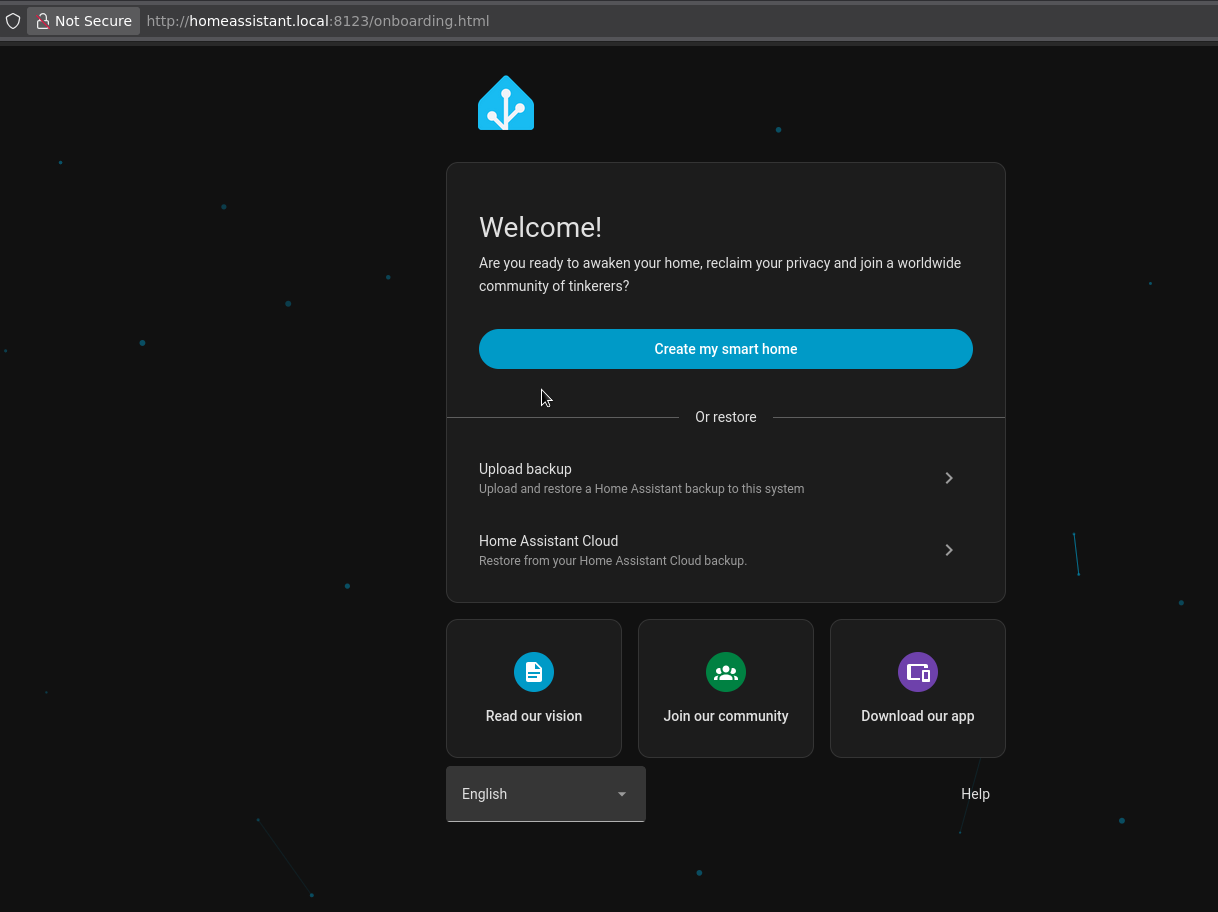
I’ve gone through HAOS and the Nobel versions specifically provided for the emmc via Vicharak downloads. However i was not erasing previous flashes. I used to just rewrite the image. I have flashed installed and setup HAOS at least 4 times. the reason was every time after setup when i rebooted the system the ip through which i configured it wouldnt work. Initially i assumed it was a static ip problem or the fact that the SBC boots faster than my Airtel Air wifi router can assign an ip. So on the second last install i also assigned a static ip to HAOS. I re flashed and resetup the HAOS on the emmc and then wen through the logs to find the boot issue. the partition issue you mentioned also shows itself when we use Balena etcher and try to write the image onto the SD cart (tried this method first). Now i have finally installed the normal (non-emmc) image of Nobel provided by Vicharak onto the M.2
Could you tell me what you have done in setup after flashing image!?
Like below first initially setup, you are talking about or you have done something else !?
yes as shown below and described in your guide. even installing the advanced SSH and terminal ‘Add-on’ and ensuring my desktop can connect to the HAOS terminal.
Also just to again reiterate the ‘uf’ command never worked for me. Which was initially the only command suggested in the docs. Gemini suggested i use the wl 0 command and it worked for me. However since then i have also seen that the ‘wl 0’ command has been added to docs.
But still really like the product. Truly great job by your team. As i have also tried my best to do some research regarding HAOS and it seems to have its own learning curve. I think the Axon can power unlimited use cases and be the bedrock for a lot of amazing ai powered agentic systems and products. HAOS just provides a skeleton that makes a lot things plug and play.
Thank you @Kartikdey motivate us, your words will really help us to make innovating things.
If you talk about HAOS, then as mentioned in doc, it only can be flashed using wl 0 command as it is raw image.
Correct, HAOS has its own learning curve as you making skeleton, and for standing skeleton, it requires form head to leg, and every boards has different booting process to peripherals that need to integrate with Home Assistant Work Flow.
The very optimistic and maybe too ambitious end goal i am trying to achieve is-
“Axon-Agriculture: A Multimodal Edge-AI Farm Infrastructure”
Objective: To deploy the Vicharak Axon as a centralized Intelligence Hub for a smart farm. The project integrates traditional IoT (water/energy monitoring) with advanced Aerial Diagnostics and Agriculture-Specific Multimodal LLMs to provide real-time health assessments of high-value crops and vegetable beds.
Core System Architecture:
Primary Hub:Vicharak Axon running HAOS and specialized NPU-accelerated containers.
Mobile Sensor Node:Inspection Drone equipped with an NDVI/Multispectral camera payload.
Edge Nodes: ESP32 controllers for localized tank and soil moisture telemetry.
Enhanced Technical Features:
1. Aerial Plant Diagnostics (Drone & NDVI)
Mission: Autonomous or manual inspection of vegetable beds and field crops using a drone-mounted camera.
NDVI Imaging: Processing Near-Infrared (NIR) and Visible light data to calculate vegetation vigor. I am leveraging the Axon’s 6 TOPS NPU to handle real-time multispectral data fusion—detecting plant stress, nutrient deficiencies, or irrigation gaps before they are visible to the human eye.
Axon Role: The Axon serves as the Mobile Edge Computing Node, processing high-resolution imagery locally to generate “Health Maps” of the vegetable beds without needing cloud uploads.
2. Specialized Agricultural LLMs (Agri-LLM)
Domain-Specific AI: Beyond basic chat, I am integrating Agriculture-Specific Multimodal LLMs (e.g., AgriM-LLM or fine-tuned Llama 3 variants).
Visual Reasoning: By feeding drone-captured images directly into a local LLM running on the RK3588 NPU, the system can provide professional-grade diagnostics. My parents can ask: “What’s wrong with the tomatoes in Bed 3?” and the Axon will reply: “Initial NDVI shows signs of early-stage blight; I recommend adjusting the irrigation schedule.”
3. Critical Resource Management
Water Intelligence: Monitoring 5 tanks using a hybrid of JSN-SR04T ultrasonic sensors and capacitive “sticker” sensors for tight-fit loft installations.
Solar & Energy: Full integration of V-Guard Solar Inverter data (Modbus/WiFi) to ensure the drone charging station and pump system operate on 100% renewable energy during peak hours.
Value Add:
Most agricultural setups rely on slow, high-latency cloud processing for multispectral data. The attempt is the leverage the Vicharak Axon and its unique specs to handle Heavy Vision Transformers and Multispectral Analysis at the edge.
Yes, We have successfully set bootloader for particular A/B Partition, but when it comes to HAOS, I may need some more time as We may allocate dedicated resources for this work only and right now we are full of plate, but will ping as we move forward on HAOS process.
The current 3D case was likely designed around passive cooling, so if the fan is exhausting downward without enough vent space, that could explain the 70–75°C temps. Adding bottom exhaust vents and reorienting the case so hot air exits upward will work. Just trying to understand the airflow path better before modifying anything.
 I’m missing something obvious