No Display - My Axon has an unblinking constant white led - Need help
Video attached of behaviour - It was working a few weeks back, as the OS had frozed, one dfay, i was forced to turn off its power directly. Been like this since.
What have you been trying to do?
Are you specifically working on U-Boot or kernel part integration?
Press reset button again.
Used this press the reset and then all th ebuttons but it doesnt do anything. Just gives me the constant unblinking white light.
https://docs.vicharak.in/vicharak_sbcs/axon/axon-getting-started/
I was running updates on ubuntu and prepping it to be used as a local server for multiple applications. It froze and after an hour of being frozen i removed power and since then the only thing i see if the unblinking white light
Do you have a USB-to-UART converter to see the log?
No, i do not.
Is there a way to flash the OS using a Micro USB by booting into a special mode ?
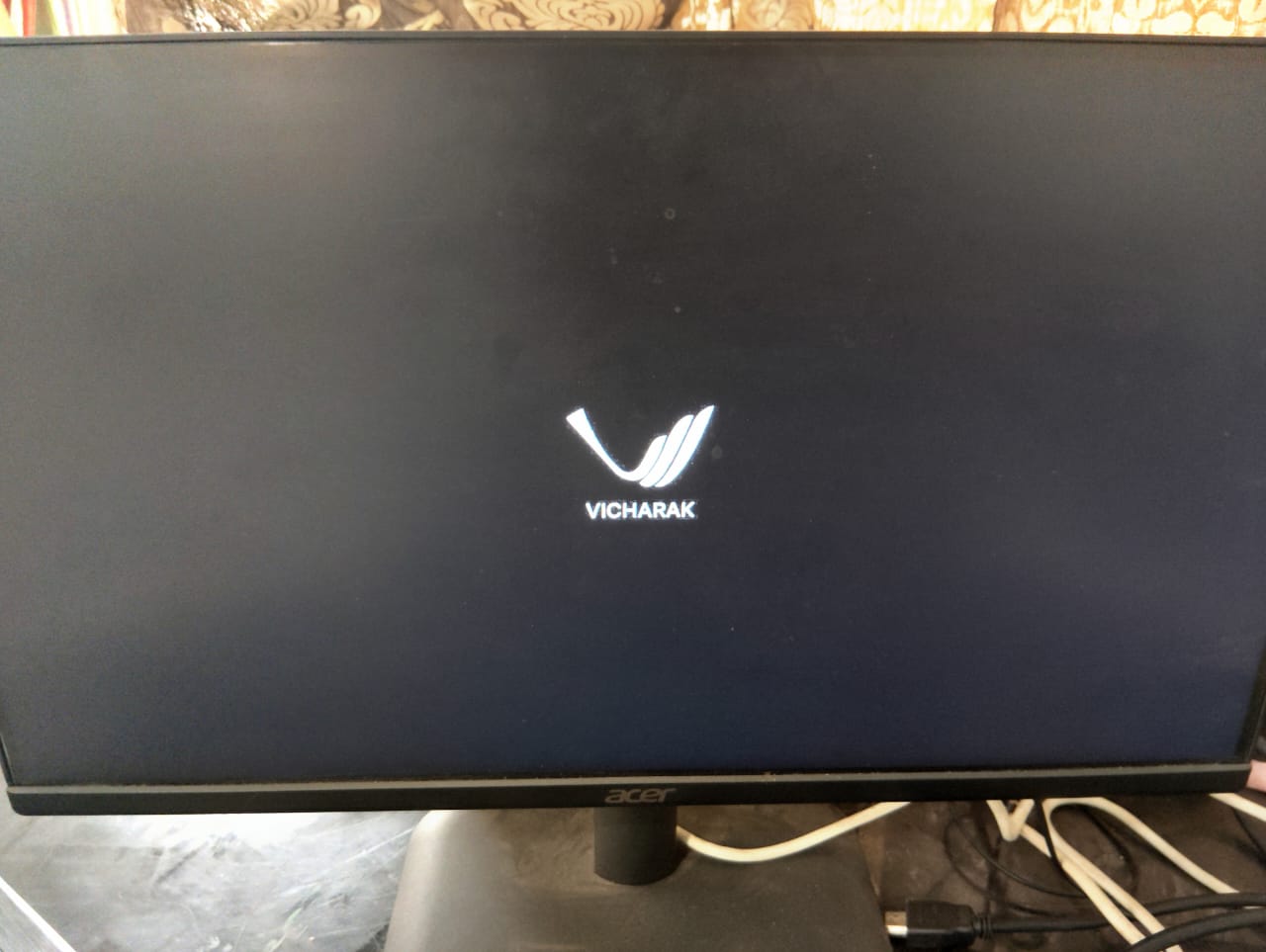
Hi, i flashed the MicroSD card and booted the Axon but its been stuck at this screen for 2 hours how
that is all i see and there is still the constant white light on the device, unblinking.
I have used the emmc and the raw beta images and the result is the same.
Could you press the reset button again?
Which method are you using for flash, like in Windows or Linux!?
You can erase emmc first and then reflash emmc image agian.
Can you share your power adapter setup?
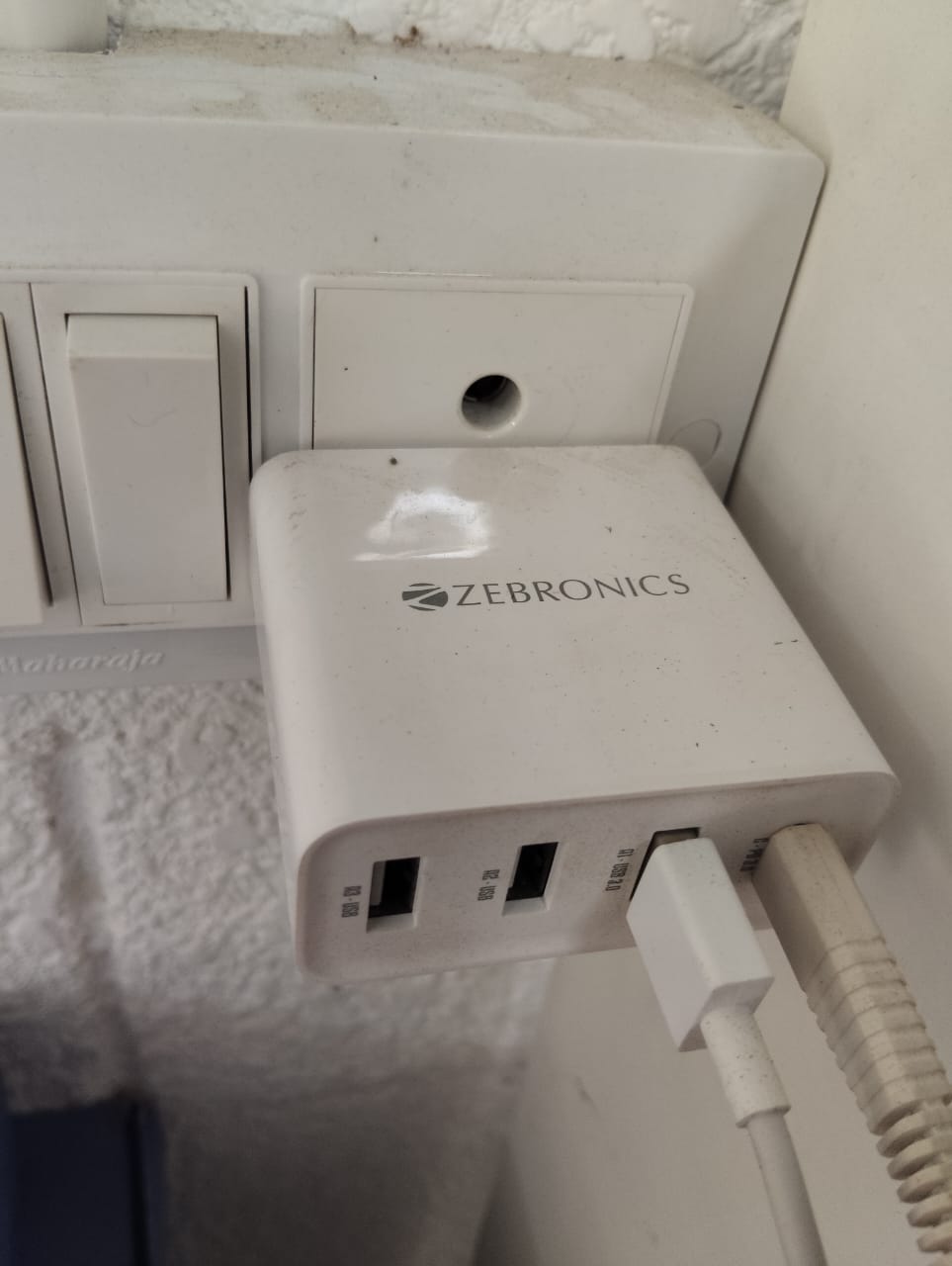
We have the adapter recommended for purchase.
Pressing the reset button takes me back to the same screen as before.
I used the Windows BalenaFlash to flash the MicroSD card
Adapter seems to be correct. Have you tried flashing in the emmc thru rkdevtool?
Set up For RkdevelopTool ( Windows ) / Upgrade Tool ( Linux ) For eMMC Flash
Using Windows
-
Download SPL Loader For Axon RK3588.
Download Ubuntu 24-noble 6.1 RAW ImageUntar it using the command below:
tar -xvf <image.tar.gz> -
Get Axon into MASKROM Mode.
-
Erase eMMC
-
Watch the video below:
- Unzip it using the command below:
Flash-All-Image.mp4.7z (2.2 MB)sudo 7z e Flash-All-Image.mp4.7z
Using Linux
-
Download SPL Loader File For Axon RK3588.
Download Ubuntu 24-Noble Kernel 6.1 ImageUntar it using the command below:
tar -xvf <image.tar.gz> -
Using
upgrade_tool, follow the steps below:sudo upgrade_tool ldsudo upgrade_tool db <SPL_Loader_File_path.bin>Erase Image first

sudo upgrade_tool ef <image>Check again that Device is in maskrom or not
sudo upgrade_tool ldFlash image
sudo upgrade_tool db <SPL_Loader_File_path.bin>sudo upgrade_tool wl 0 <image.img>
I used the Windows too, to load the Axon "
V1.0_vicharak_axon-6.1-04032025-ubuntu-noble-emmc.tar.gz] image and it was successful.
I closed the application and then rebooted and its been sitting on this screen since
As I have mentioned above, kindly remove eMMC first, then flash it again and make sure Axon does not attach SD Card.
And even after flashing, wait for some time as it boots automatically and sets up some functionality during the first boot.
If still problem persists, you can connect to our support team and they can help you more.
Put a mail here.
support@vicharak.in
Do one thing,while booting, please press the ‘Esc’ key.
Are you able to see boot message or anything…