We are using hdmi tx1
If the flash after maskrom went till 100%.
All you have to do is power cycle the board once, either using reset button, or simply unplugging/replugging the 12V power cable.
Then you should let the board execute its 1st boot scripts, it will reboot autmatically, then you’ll have a fully working board again
We have executed all those cases reset the button, replugging the power but still same issue… i am not even getting the booting script or logo simply getting no hdmi cable
The flash went till 100% ??
I can see from the video that you are using a vamaan image with an axon bootloader.
Vaaman and axon are different boards, image meant for one will not work on the other
Please follow the guide carefully
1 Like

Download the correct image first, image meant for different SoCs will not magically work on axon’s rk3588
Okay we’ll try and let you know thank you for the clarity
@tallguy @Avi_Shihora please watch that video. We are still facing the same issue it is in sleep mode and did all the troubleshooting steps
There are 2 types of images, raw images and emmc images.
Have you downloaded the latest raw image?
Ubuntu-24
Or do you need ubuntu 22 only?
emmc images don’t need any loader.
What you need is a raw image, download from the link and try again
We have downloaded the emmc img
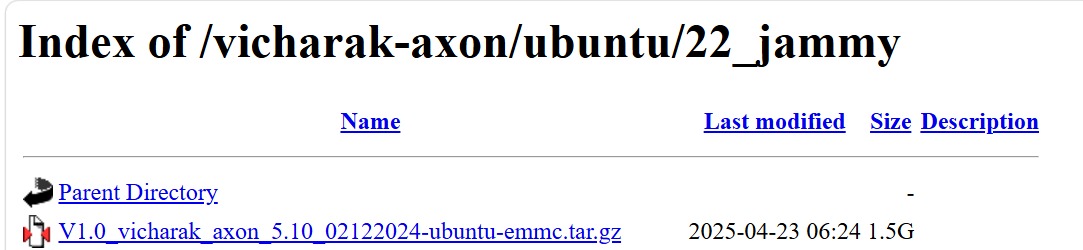
Can you please check this and let me know is it correct file or not.
You were using the ubuntu 24 image previously
That is what you should download
Dowload from here- Raw-Image-ubuntu-24
One more thing, do not use the tar.gz directly
Unpack it using WinRaR or some other tool first.
You will get a .img file after extraction, select that as the image.
The flashing tool will not unpack archives by itself.
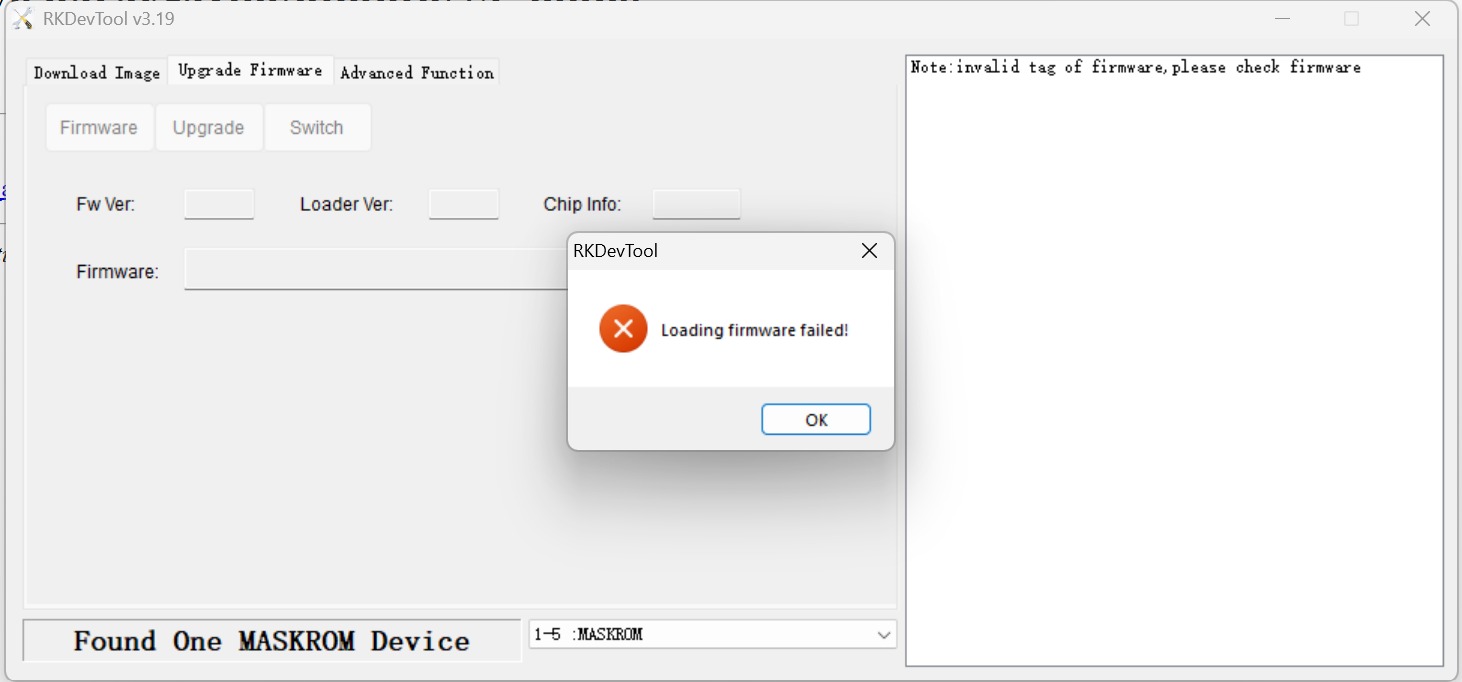
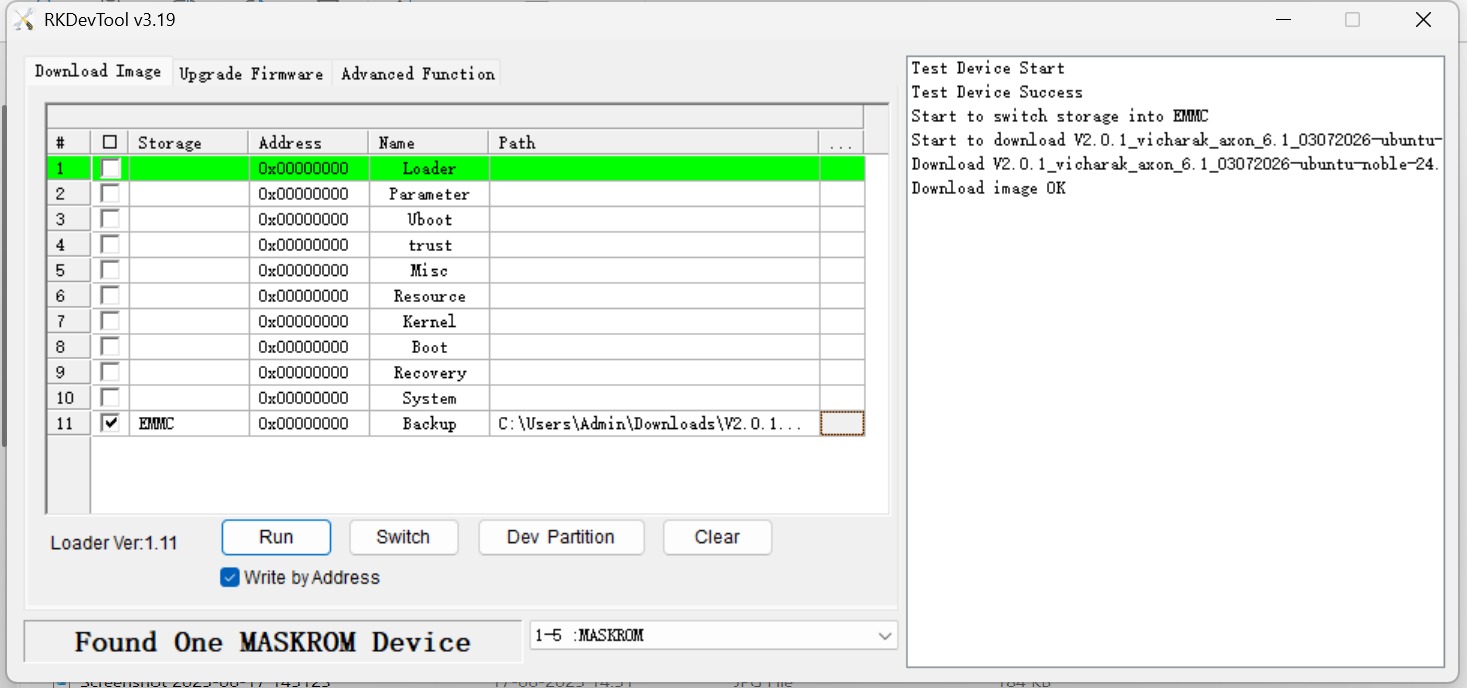
Did you unpack the tar.gz??
The image file you downloaded was a tar gz archive, confirm that you unpacked(unzipped) it before using it.
@tallguy @Avi_Shihora The file you asked me to download (raw file and ubuntu 26) is not the correct firmware.
The correct firmware is ubuntu 24 tar.gz and i have extracted the zip file with the 7 zip.
By using the upgrade firmware option i have downloaded the firmware and now the GUI has come.
The issue got resolved.
@Harshitha, Happy to hear that
Again, I request you to follow anything.
Kindly, read it carefully.
We have not even mentioned Ubuntu 26 anywhere.