After enabling uart 6,then reboot the device then im facing this issue. im getting an error attached below
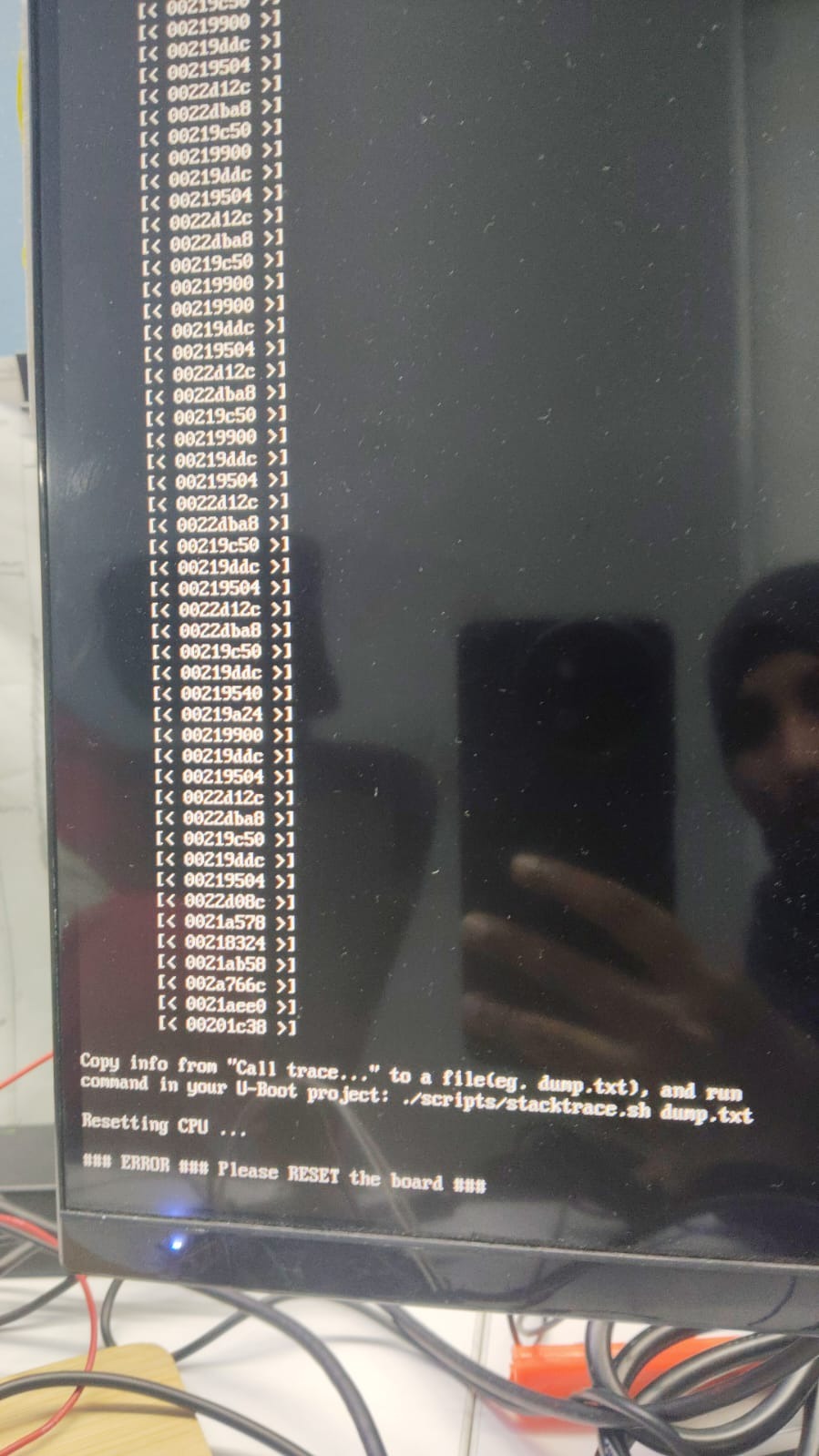
Which board you are using !?
I hope you have used vicharak-config to turn on overlays.
Yes after that UART 6 was enabled and then we did sudo reboot then after nothing is appearing in the monitor
Could you send photo of your Axon setup !?
And Again make video of logs after rebooting !?
I have attached the video of the booting issue in the monitor and also it includes the axon setup please check and let me know the solution.
As you can see, after vicharak logo, 3 lines appears on HDMI display.
After logo, Kindly press 3 for 3-4 times, to boot axon from normal kernel. ( 6.1.75-axon )
I hope you have not changed anything in /boot partition.
I think your kernel partition is corrupt due to multiple corrupt kernel.
I recommended to flash new image.
Flashing Guide
Hi,
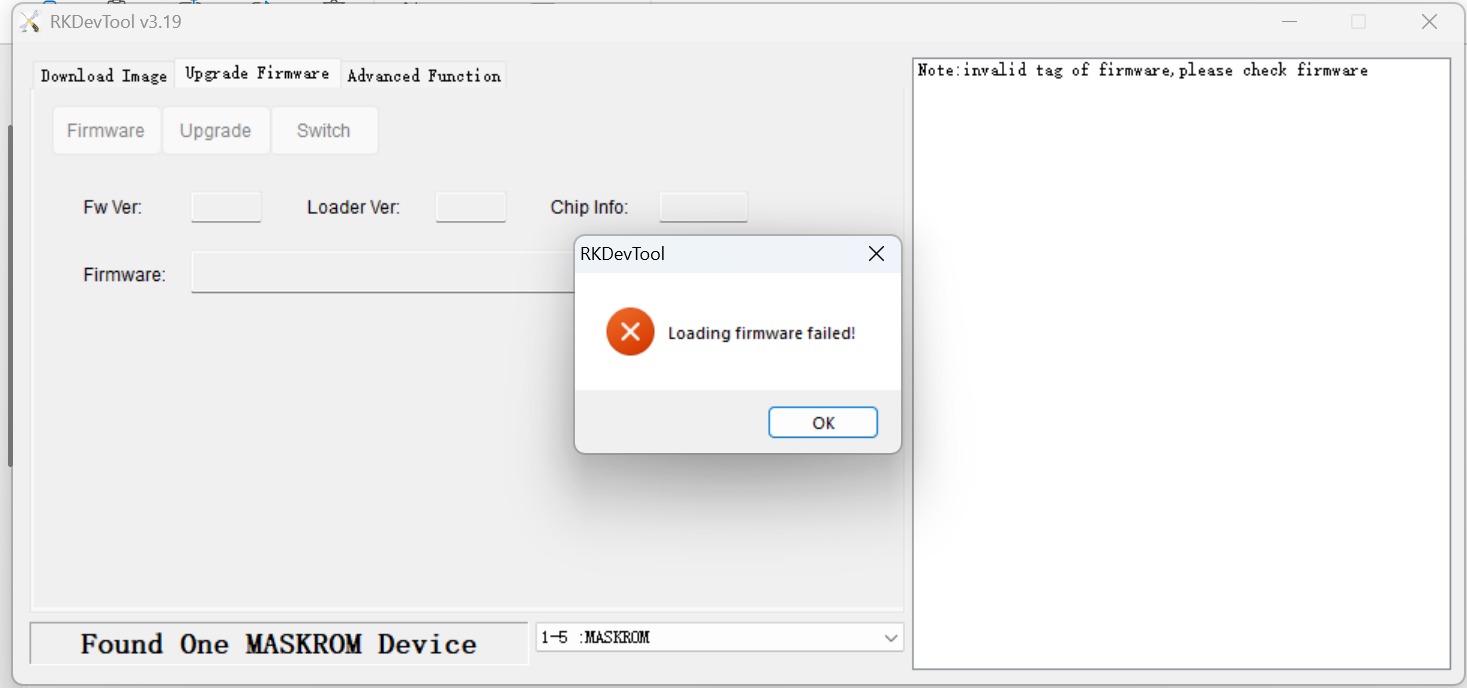
I am using RKDevTool v3.19. The device is detected successfully as “Found One MASKROM Device”, but the tool is showing only 11 partition options:
- Loader
- Parameter
- Uboot
- Trust
- Misc
- Resource
- Kernel
- Boot
- Recovery
- System
- Backup
I expected 12 options/partitions, but the 12th option is missing.
Could you please let me know why the 12th option is not displayed and how I can make it appear?
I have attached screenshots of the RKDevTool configuration for reference.
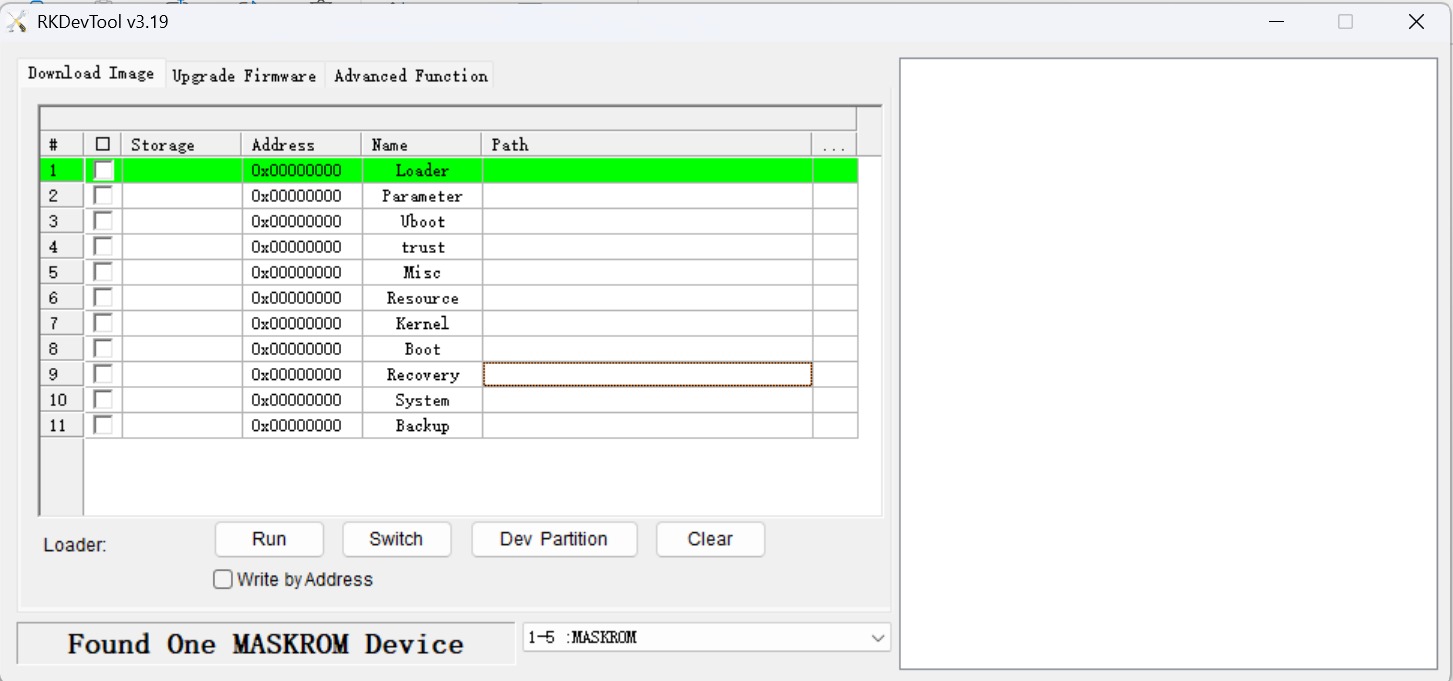
You can use 11th as well, as location is 0x00000000 so it works.
Yeah,but we tried to do the same but still facing the same issue.Now we are not even getting the logo & error.
Wait till it goes from MASKROM and you will show 100%, it takes time to flash image.
Then It goes to first boot mode, give it some time and the board will reboot automatically.
And it starts.
We have followed the same video which was uploaded but still facing the same issue and if you see in the forwarded video in the end it is saying the download image ok… please let us know how to proceed further
After flashing, press reset button.
Then It goes to first boot mode, give it some time and the board will reboot automatically.
And it starts.
We have power, reset and boot button what to press?
reset button should be pressed.
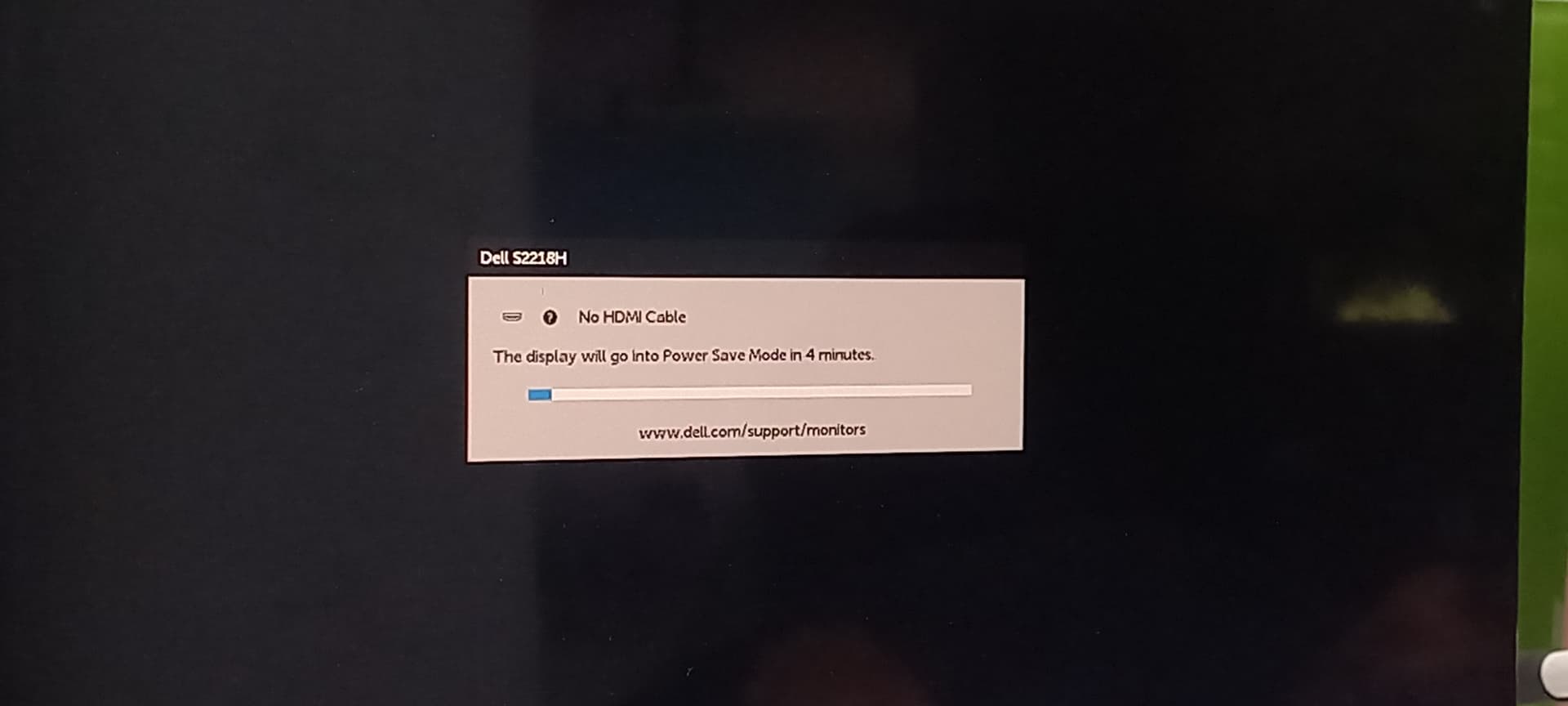
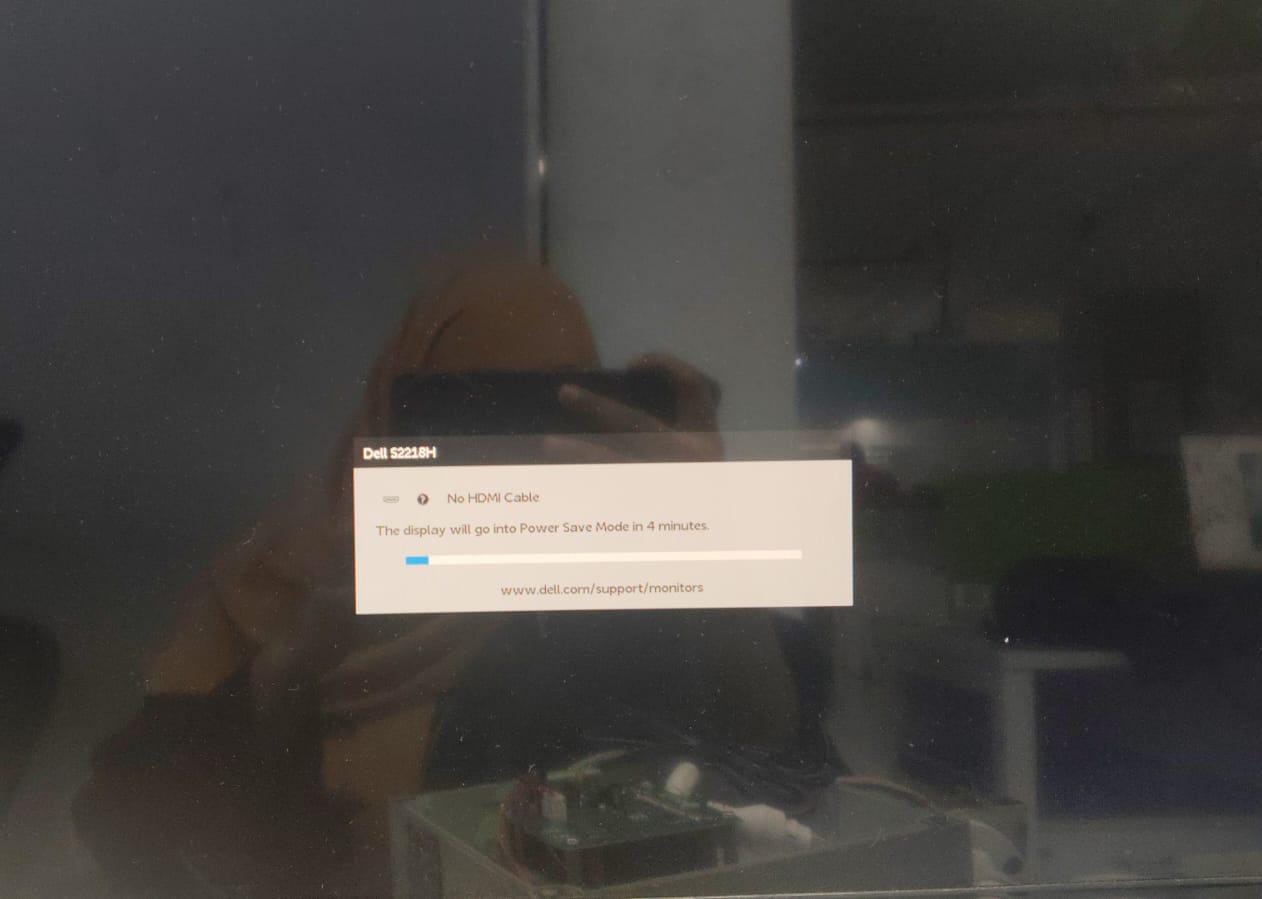
Even after resetting there is no progress still getting no hdmi cable
Kindly wait for a while, and which HDMI port you are using !?