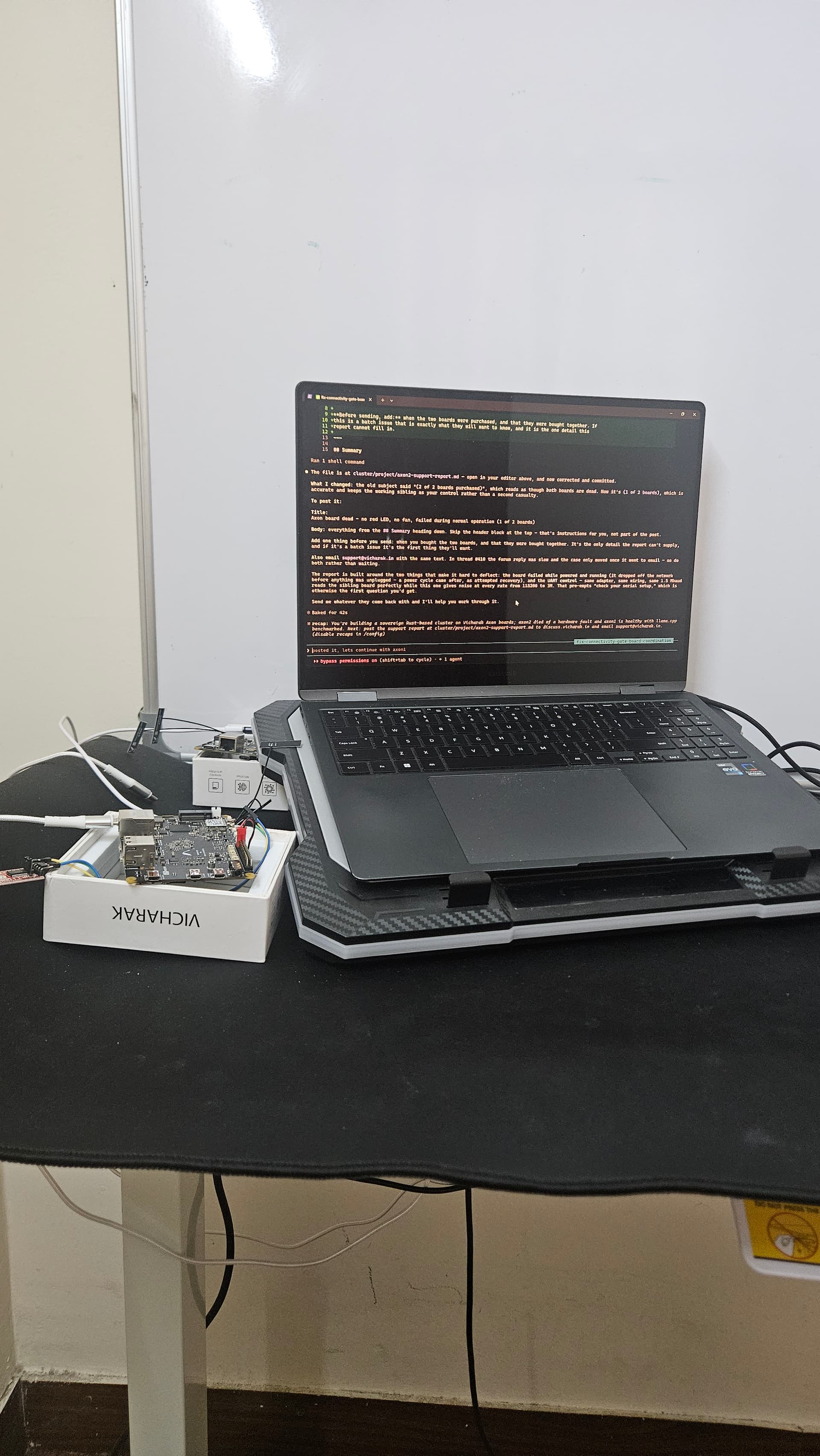
Hi Team , AI assisted generated summary using auditable command history of all commands I have run on axon Linux terminal. I can provide specific list of commands on request , pls check the below summary first .
Summary
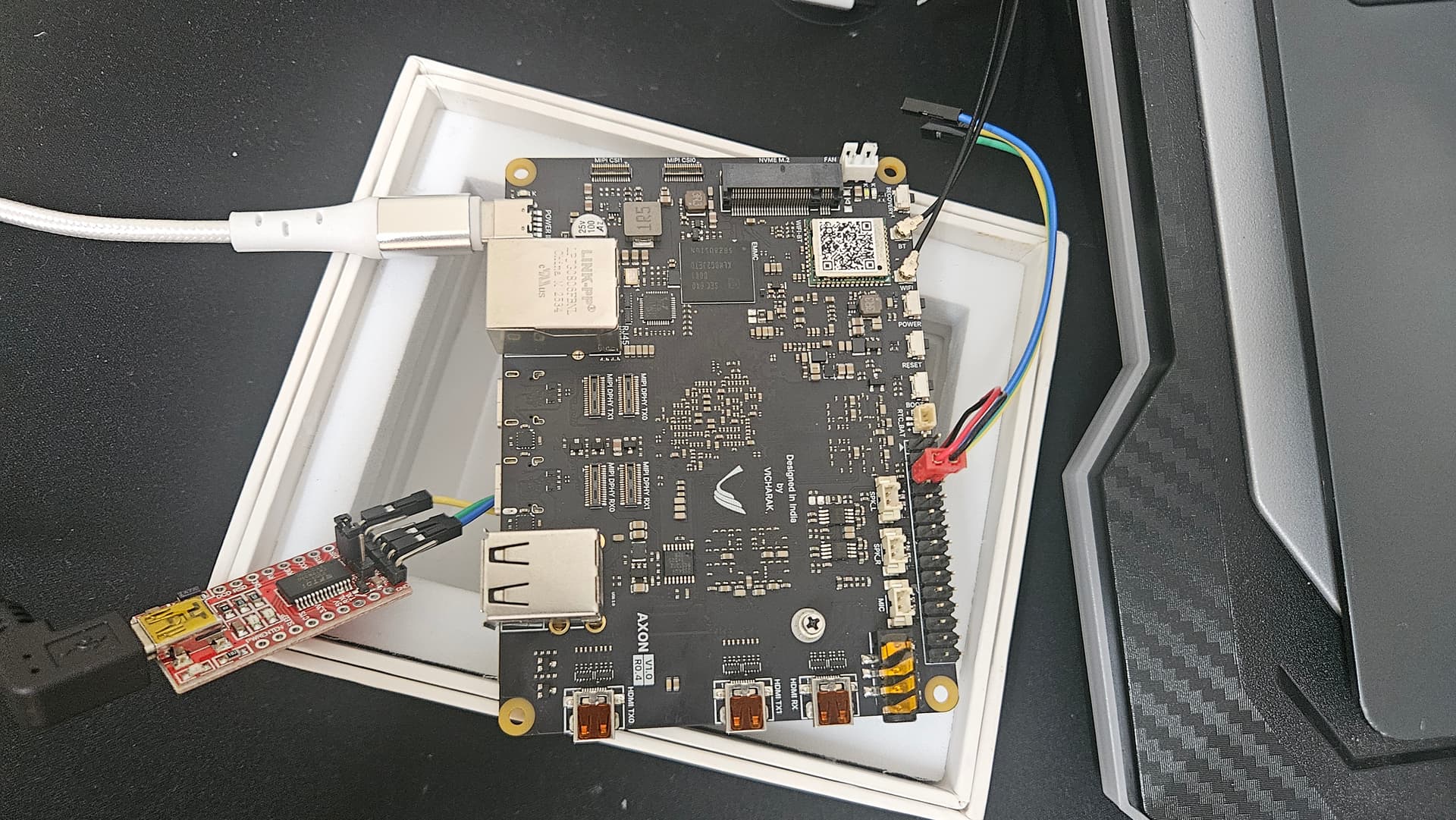
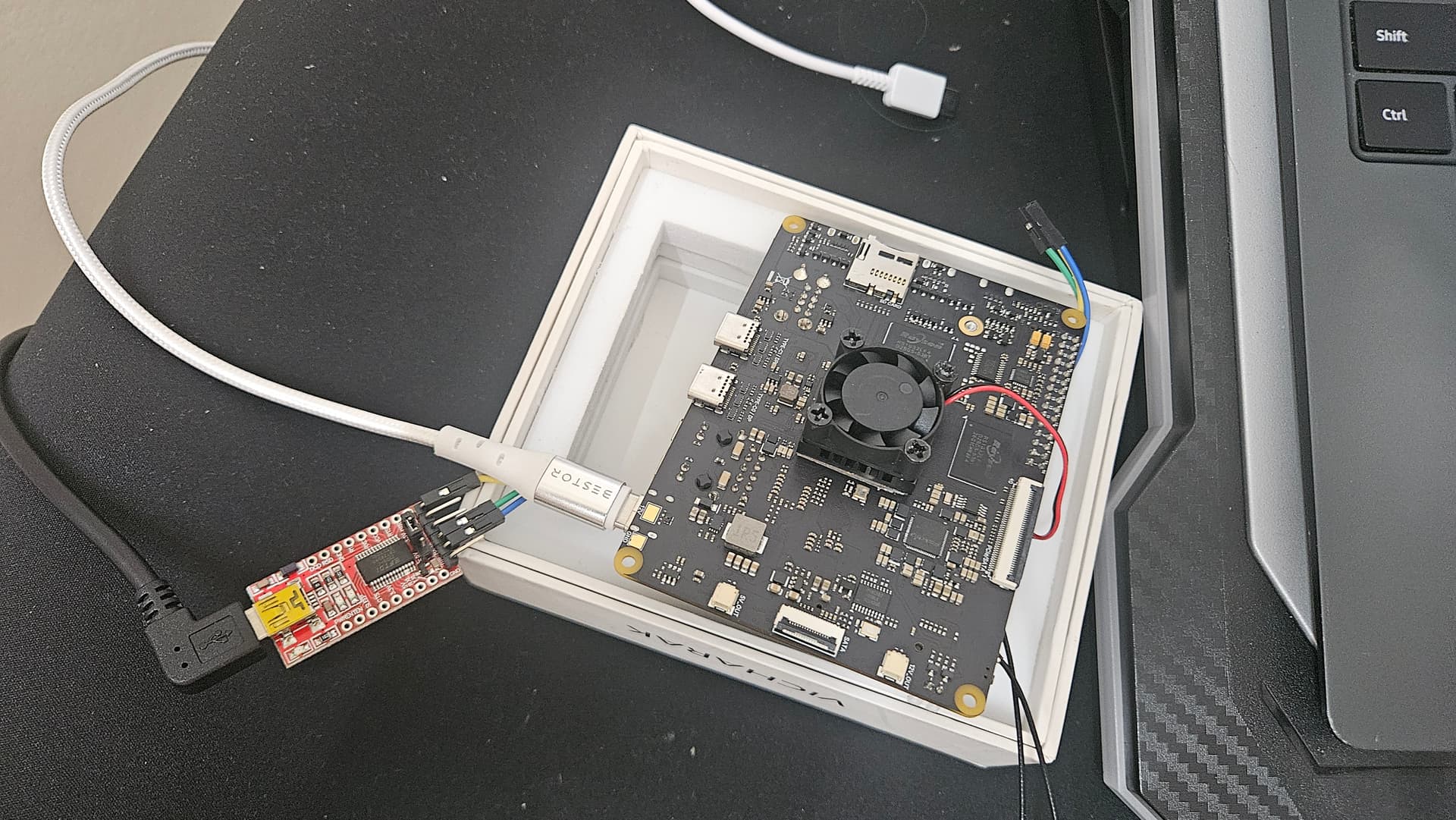
One of my two Vicharak Axon boards failed during normal operation and now shows no power
indication at all — no red LED, no fan, no LEDs of any kind. The second, identical board from the
same purchase continues to work normally on the same power supply type, so the fault is isolated to
this board.
Board details
- Product: Vicharak Axon, 8GB LPDDR4X / 32GB eMMC
- OS: Ubuntu, stock Vicharak image
- Kernel:
6.1.75-axon(stock, unmodified — no custom kernel or bootloader was ever flashed) - Second identical board (same order) is working normally and is being used as a control
Failure sequence
- Board was powered on and running normally, reachable over SSH, WiFi connected at −43 dBm,
5 GHz, 600 Mbit/s negotiated link. It had just completed a CPU benchmark run successfully. - While still powered and untouched, it dropped off the network. SSH began timing out, and the
other Axon on the same LAN showed192.168.1.5 dev wlan0 FAILEDin its ARP table — it could not
resolve the board at layer 2 at all. - Power was then cycled to attempt recovery. Since that point the board has shown no LEDs
whatsoever and no fan movement.
Note the ordering: the failure began while the board was powered and running. The power cycle
came after, as an attempted recovery, not before.
Troubleshooting already performed
| Test | Result |
|---|---|
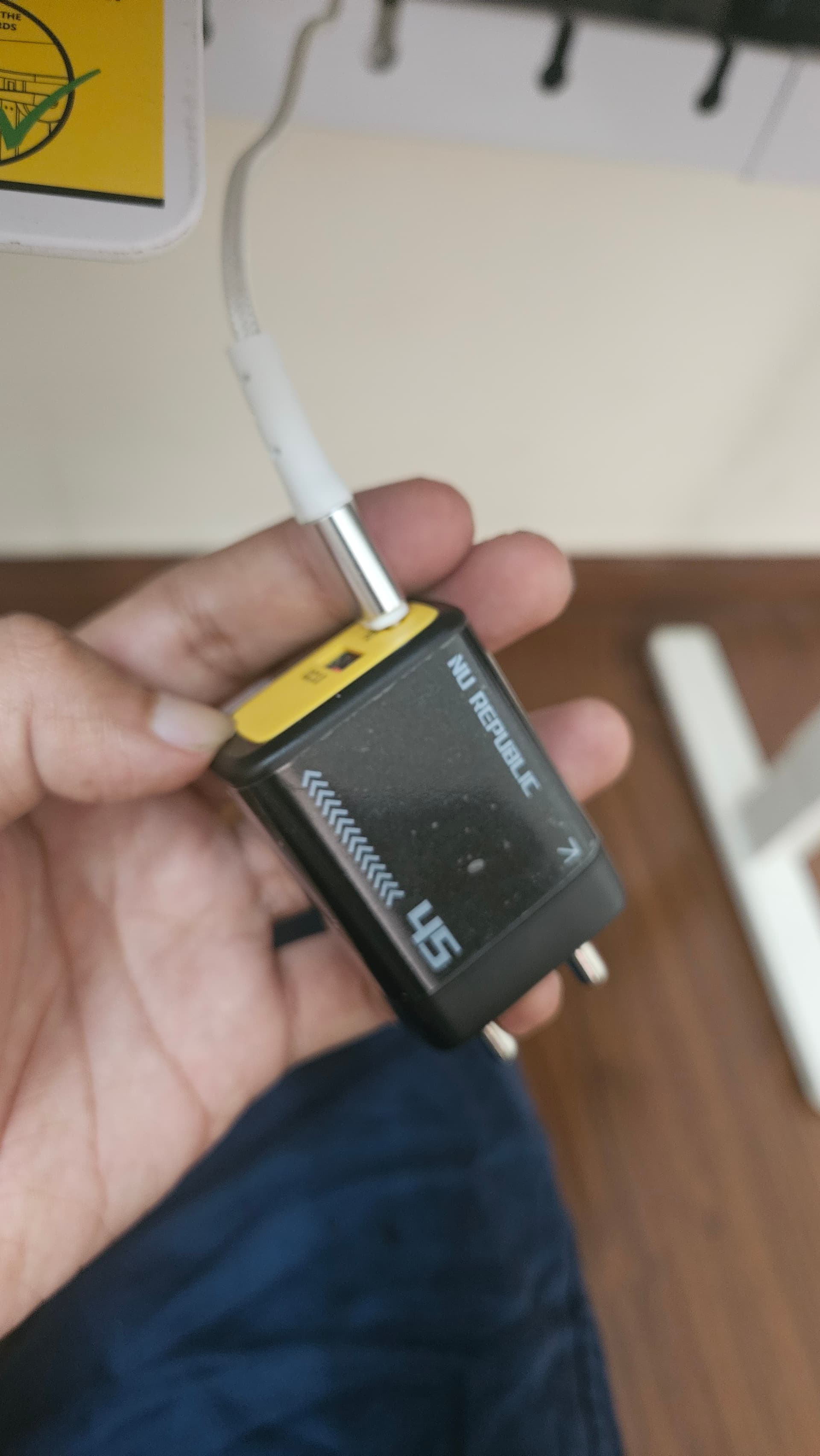
| Vicharak-supplied 12 V PD adapter + cable | No red LED, no fan, no response |
| Adapter, cable and wall socket currently running the working Axon | No change — still no red LED |
| Power button held 1–2 seconds (per the Button Guide) | No response. The same action successfully started the other board |
| Removed USB-to-UART wiring entirely and re-applied power (as advised in forum thread #411) | No change |
| Serial console at 1.5 Mbaud | Only floating-line noise — no readable output |
| Serial console swept across 115200 / 230400 / 460800 / 921600 / 1.5 M / 3 M baud | No baud produced readable output (printable-character ratio 0.58–0.76 at every rate) |
| Same UART method on the working board | Reads perfectly — clean vicharak login: prompt at 1.5 Mbaud, 100% printable |
The last row is the important control: the serial setup, baud rate and method are all verified good,
because they read the identical sibling board without fault.
Diagnosis
Per Vicharak’s own Button Guide, “when the cpu is powered off the red LED will on to let you know
that the board has proper power supply (12 V).” The red LED is absent, and that indicator lights
before U-Boot, the kernel, or anything on the eMMC. This places the fault before any software
executes, which rules out OS or filesystem corruption as a cause.
The UART behaviour is consistent with the same conclusion: a floating RX line producing noise at
every baud rate is what a non-executing board looks like.
I note that forum threads
#411 and
#410 describe closely
matching symptoms — board working the previous day, then no light and no serial console output,
with adapters ruled out by testing against other working boards. In that thread the Vicharak
response was “Issue is in DRAM that you are facing”, reflashing was attempted and failed, and the
case was escalated to this address.
Request
The board failed during normal operation with no user modification to the bootloader, kernel or
firmware, and shows no power indication. I would like to proceed with a warranty replacement or
repair. Please advise on next steps and what additional information you need.
Happy to provide any further logs or run any diagnostic you suggest.